
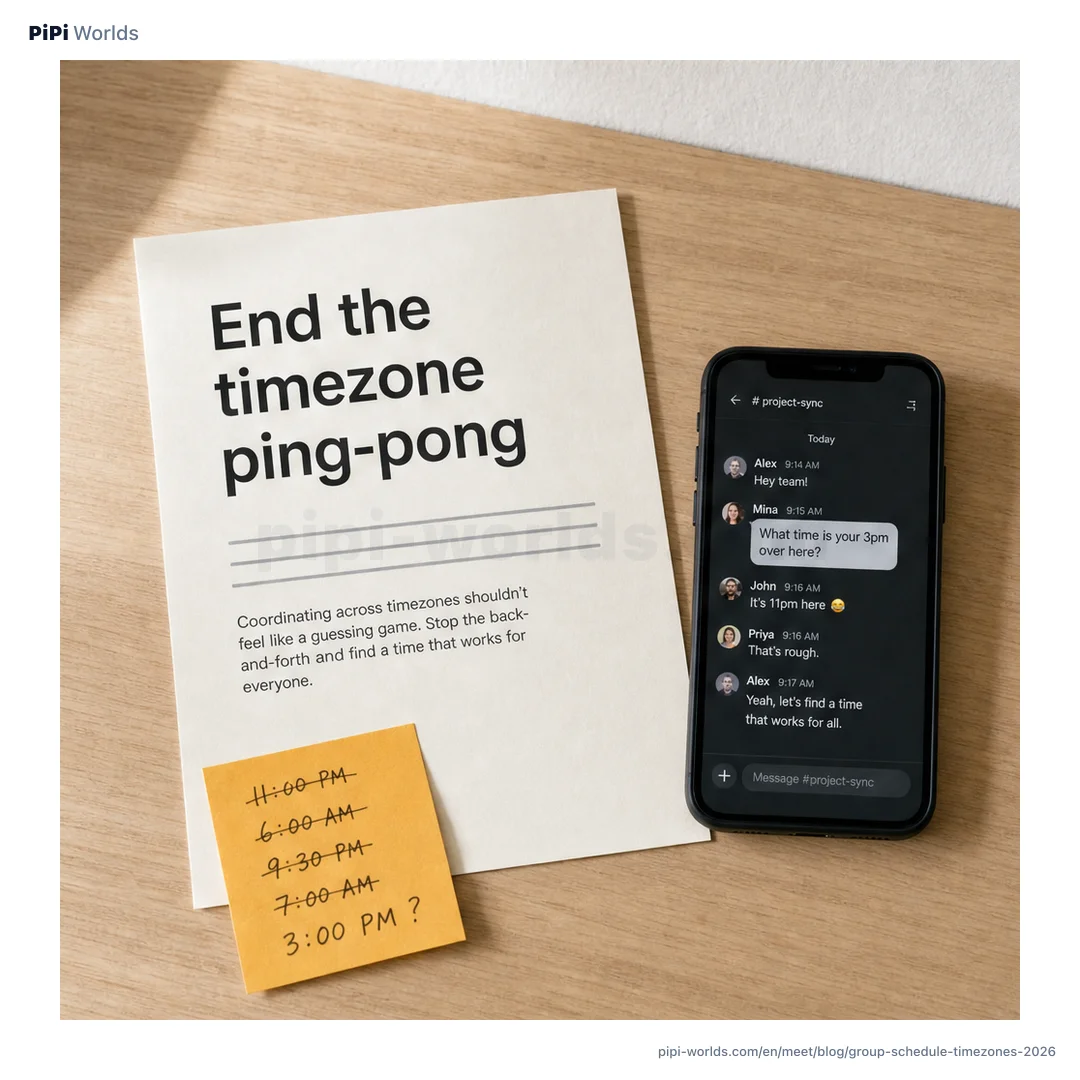
A team in Seoul and a team in London try to pick a meeting time. “What time is your 3pm over here?” messages bounce around, and someone ends up dragged into a call at dawn. A meeting that spans time zones turns the arithmetic itself into work. The point is to stop making people do that math.
Why the timezone ping-pong happens
The trouble is that everyone tries to convert time zones in their head. One person says “how about Tuesday at 2pm?” and the rest have to translate it into their own time to judge whether it works.
Mistakes creep in there. Someone forgets daylight saving, or misses that the date rolls over by a day. The longer the email thread, the further the meeting slips.
Create it, share one URL
The PiPi Worlds group scheduling tool keeps the flow simple. The organizer sets the candidate dates, an hour range, the slot size (30 minutes or 1 hour), and a base timezone.
That produces a single URL. Drop it in a chat or an email and you are done. Participants open the link, type a name, and drag to paint their free slots. No signup, no app to install.
The grid shows in each person’s own time zone
This is the core feature. When a participant opens the page, the timezone is detected automatically from the browser.
A grid built in Seoul for 9am to 6pm shows up in local time for a teammate in London. Because the conversion runs on standard timezone data (the IANA Time Zone Database), daylight saving is handled automatically. Each person paints their free time in their own clock, and the tool aligns those slots to one reference. The mental conversion disappears.
The time everyone is free surfaces on its own
As the painting comes in, color stacks up on the grid. A slot that more people painted shows up darker.
The most-overlapped slot is highlighted automatically as the time everyone is free. Instead of cross-checking a table by eye to see who works when, the candidate times rise to the top. If duplicate names worry you, add an optional password beside a name so only that name and password can edit the entry.
No signup, and what actually gets stored
The thing that gives people pause with a tool like this is privacy. Connecting a work account or handing over an email just to pick a time feels like too much.
The PiPi Worlds group scheduling tool stores only names and painted slots. No email, phone number, or account is kept, there is no tracking, and the stored event data is deleted automatically after 90 days. It keeps the minimum needed to share and leaves the rest behind. When you want the lunar date of the day you settled on, the lunar calendar converter is there, and for how many days until then, the age and date calculator takes it from there.