


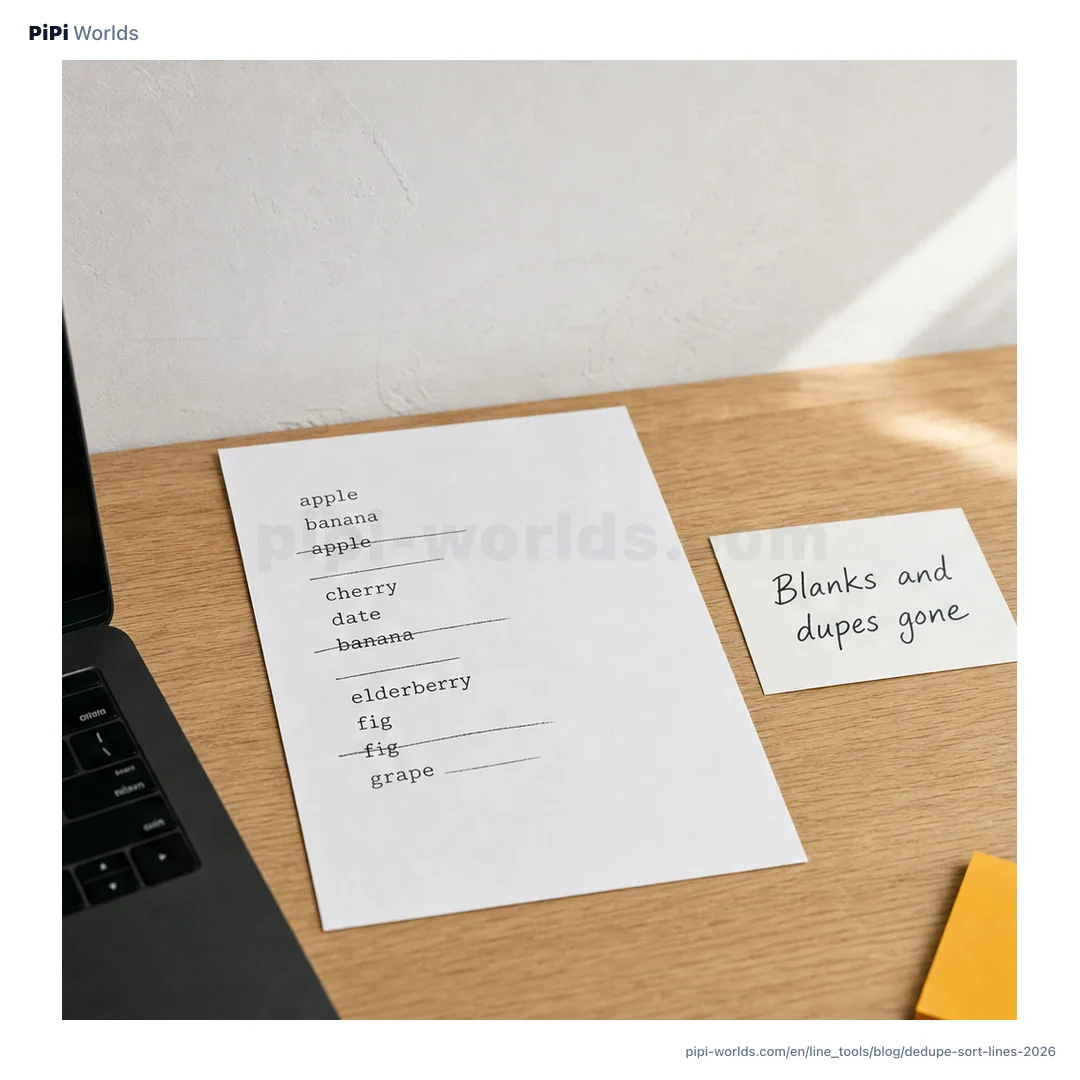
A list of emails or a log lands in your lap with blank lines mixed in, the same entry repeated, and invisible spaces clinging to the ends. Dropping it into a spreadsheet to run a dedupe, or writing a quick script, is more friction than the job deserves. Cleaning text by line takes a paste and a couple of checkboxes.
Clear blanks and duplicates in one go
Line cleaning rests on four operations: remove blank lines, trim whitespace, remove duplicates, and sort. They are far more useful together than apart.
Say you have hello , a blank line, world, hello, and a whitespace-only line. Turn on trim, remove blanks, dedupe, and sort ascending in the PiPi Worlds line tool, and the result collapses to hello and world. A live count shows how many lines remain, so you can see at a glance that the input went from several lines down to two.
Whole and adjacent dedupe are not the same
There are two kinds of dedupe, and the results differ more than you might expect.
Take the four lines apple, apple, banana, apple.
| Mode | Result |
|---|---|
| Whole-list dedupe | apple, banana (2 lines) |
| Adjacent dedupe | apple, banana, apple (3 lines) |
Whole dedupe keeps the first occurrence of any line, no matter where the repeat sits. Adjacent dedupe removes a line only when it matches the one right above it, so the final apple survives because the line above it is banana. Reach for adjacent dedupe when you want to collapse runs without changing the order.
The order of operations decides the result
This is the part people miss. The operations run in a fixed order.
For options you enable, the order is trim, remove blanks, dedupe, sort, then numbering. By default, only blank-line removal is on. The lines apple and apple with a trailing space are different, so turn on both trim and dedupe to merge them. To treat Apple and apple as the same line, also turn on ‘Ignore case (dedupe/sort)’. Whole-list dedupe keeps the spelling that appeared first.
Why do duplicates remain after sorting?
Try this invented list in the English line tool. There are no spaces or blank lines in this first example:
apple
banana
apple
Keep Remove duplicates off, turn Adjacent only on, and select A → Z under Sort. Leave Trim, Ignore case and Number lines off. The result has three lines:
apple
apple
banana
That is not a failed comparison. Neither apple was adjacent to the other when dedupe ran. Sorting happens afterward and moves them together; the tool does not run dedupe again.
For one copy of each line, turn Adjacent only off and Remove duplicates on, keeping A → Z. You now get two lines:
apple
banana
For a record of consecutive runs, use Adjacent only with Sort set to None. Sorting changes the sequence you were trying to preserve. Keep an untouched copy of the original; fewer lines is not automatically a more accurate list.
A blank separator can change what counts as adjacent
Now paste this second invented list. The empty line in the middle matters:
apple

apple
Set Sort to None, Remove duplicates off, and Adjacent only on. Leave the other optional operations off.
- With Remove blank lines on (the default), blank removal brings the two
applelines together before adjacent dedupe. The output is one line:apple. - With Remove blank lines off, the separator stays between them. The output is the original three-line list, including the empty middle line.
If blank lines separate batches in your notes, removing them discards that boundary. The tool does not know what a batch means. Preserve the separators or process each batch separately rather than treating the shorter output as proof that nothing important was lost.
Example check, 13 October 2026: we entered both harmless lists in the live English tool and compared these four results with its processing function. You can repeat the same checks in the public line tool. This checks the stated options and samples, not your private data or every browser.
Finish with sort and numbering
Two operations put the final shape on a cleaned list: sort and numbering.
Sort runs ascending (A→Z) or descending (Z→A). Turn on numbering and each line gets a 1., 2., 3. prefix in turn. Dedupe, sort, and number together, and a clean numbered list ready to paste into a doc or an email comes out in a single pass.
This is text sorting, not natural numeric sorting: ticket-10 sorts before ticket-2. If the sequence of ticket IDs or filenames matters, check it before sharing the output. The tool also compares whole lines, not CSV fields. A row such as name,email is not parsed into separate columns, so two rows with the same email and different names are not duplicates here.
Where are you cleaning that list?
The last point is about where the data sits. The lines you paste in to clean often carry email addresses, internal IDs, or log entries that should not wander off your machine.
The PiPi Worlds line tool transforms text in the browser and has no code that submits that input to our server. Cloudflare Web Analytics separately measures page views and load performance (Privacy Policy). That does not make every browser extension or device safe: test with anonymized data instead of real credentials, personal information, or internal logs. Mixed CRLF and LF endings become LF in the result. For the length of the cleaned list, use the word counter. If each line is a JSON value, check one line at a time in the JSON formatter; it does not accept a whole NDJSON list.