
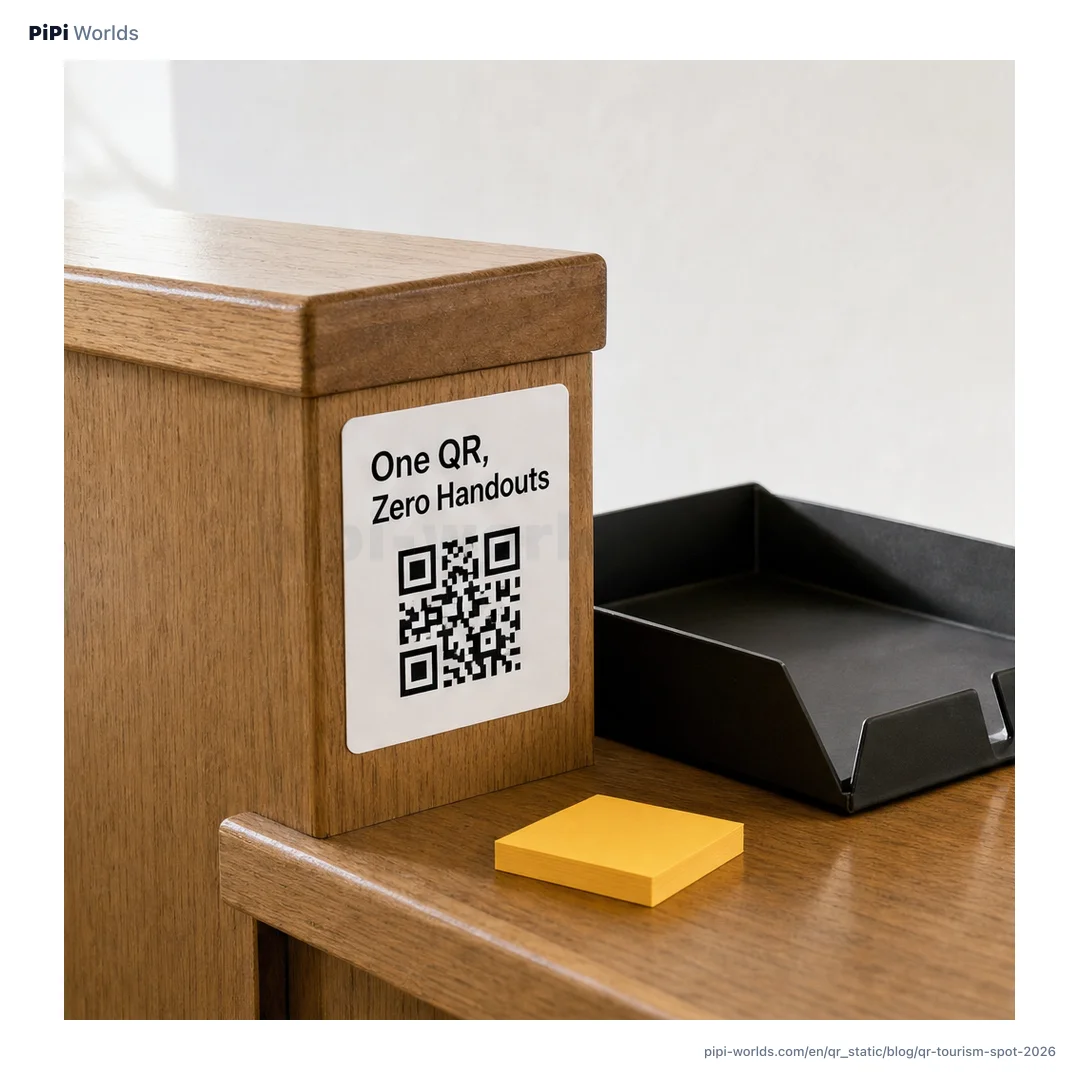
In the spring of 2026, a friend who works as a seasonal park ranger at a remote Pacific Northwest visitor center described the moment she stopped writing out the trail directions one more time and pointed instead to a small QR sticker on the kiosk: “Scan that, it’s the same thing on your phone, you can take it on the trail.” That single sticker — pointing to an offline-capable map page — replaced what used to be hundreds of paper handouts every weekend. It also represents a quiet shift in how U.S. visitor sites of every scale, from Yosemite to a roadside historical marker, are using QR codes in 2026.
The U.S. visitor-site landscape is unusually broad: 63 national parks, ~430 NPS-managed sites total, the 21-museum Smithsonian system, thousands of state parks, and tens of thousands of small museums, historic homes, and regional visitor centers. Most of them now use QR codes for at least one job — payments, audio tours, trail maps, donations, or event schedules. This guide walks through how the major systems work, what small sites can do with the same patterns on a $0 budget, and the printing realities that come with putting a QR outdoors.
Why QR codes matter at U.S. visitor sites
Three forces converged. First, the NPS App launched in 2021 as the official mobile companion for the entire national park system, with offline downloads of full park content, ranger-curated tours, and accessibility features. Second, the 2026 Digital Entry System built on top of Recreation.gov standardized how parks issue timed-entry tickets, lottery permits, and digital annual passes — all of which are presented as a scannable code at the gate. Third, the post-pandemic visitor-center reality: many small sites operate with reduced staff or volunteer coverage, and a QR on the door that links to maps, hours, and a donation page is often the difference between visitors getting what they need and leaving frustrated.
The Smithsonian — eleven museums plus the National Zoo on or near the National Mall, with free entry — uses a different model: visitor information is rich on its website (si.edu/visit), and QRs at the museums tend to point inside exhibits to deeper content like videos, articles, and citation databases. Both models — NPS’s “scan to pay/scan for content” and Smithsonian’s “scan to go deeper” — work well, and small operators can mix and match patterns from each.
Four QR types every U.S. visitor site uses
1) Map and orientation QR The first QR a visitor encounters. At the entrance, kiosk, or trailhead, a QR points either to the official site app (NPS App at national parks), the site’s Google Maps listing (most small sites), or a custom map page. Purpose: get the visitor oriented in 30 seconds, even if the visitor center is closed.
2) Audio or interpretive content QR Inside the site — at exhibits, monuments, overlook points, or historic markers. The QR points to an audio narration, a short video, or a richer text explanation than what fits on a sign. NPS sites use the NPS App; small museums use unlisted YouTube videos or Vimeo for free; commercial sites use audio-tour platforms like SmartGuide, Detour, or VoiceMap.
3) Ticket, donation, or fee-payment QR Connecting visitors to the right payment flow. Big systems use Recreation.gov for timed entry; mid-size sites use Eventbrite or their ticketing platform; small sites use Stripe, PayPal, or Venmo Business with a QR that opens the donation or ticket page.
4) “Leave a review” or social media QR The visitor’s phone is in hand, the experience is fresh — a QR pointing to Google Reviews, TripAdvisor, or the site’s Instagram is the highest-conversion review request you can make. For small sites running on word of mouth, this is often the single highest-leverage QR after maps.
Google Maps first, custom pages later — the small-site rollout
For a local history museum, a county park, a small visitor center, or a roadside attraction, the answer to “where do we start” is almost always Google Maps.
Why: Google Maps already shows your hours, photos, address, and reviews in the visitor’s preferred language; it auto-loads in their default map app; and your QR is just the URL of your Google Maps listing. No web development, no translation work, no hosting fees.
Once Google Maps is the foundation, layer on three more QRs in this order:
| Week | QR | Source |
|---|---|---|
| Day 1 | Google Maps QR | Your Google Business Profile listing URL |
| Week 1 | Audio tour QR | Unlisted YouTube video or PDF |
| Week 2 | Trail/exhibit QR | A page or PDF you control |
| Month 1 | Donation/ticket QR | Stripe Checkout, PayPal, or Eventbrite |
For sites where the budget is genuinely $0, all four can be running by the end of the first month using only free tools — a free QR code generator for the static QRs (maps, audio, trail) and your payment processor’s QR for the donation/ticket flow.
NPS App and the 2026 Digital Entry System
For sites inside the National Park system, the NPS App is the default content layer. According to the NPS, the app:
- Lets you download a full park’s content for offline use before you arrive
- Includes self-guided tours, ranger-curated lists, accessibility audio descriptions
- Accepts QR-based fee payment at sites that have moved off the cash envelope system
- Integrates with the broader National Park digital entry rollout
The 2026 National Park Digital Entry System (a Recreation.gov-based standardization documented across multiple 2026 visitor guides) requires timed-entry reservations, lottery permits, and digital annual passes for many high-traffic parks. From the visitor’s side, this means: book on Recreation.gov ahead of time, save the digital pass (which is a QR or barcode) to your phone, and scan at the entrance kiosk. From the park’s side, it means staffing fewer fee booths and fewer cash-handling moments — the QR scan does the gate’s work.
Smithsonian — entry is free, the QRs go deeper
The Smithsonian’s 11 museums and zoo on or near the National Mall don’t charge entry for the general public, so QR codes don’t carry the payment job they do at NPS sites. Instead, you’ll see them throughout exhibits pointing to:
- Videos and oral histories that exceed sign space
- Citation databases for objects and specimens
- Bilingual or multilingual content (Spanish in many cases)
- Educational resources for teachers and students
For small U.S. museums modeling on the Smithsonian pattern, the takeaway is that QRs work as the “long version” link — your sign gives the 30-word version, the QR opens the 3-paragraph or 3-minute version for visitors who want depth.
Outdoor signage — making a QR last six months
Every QR that lives outside has to deal with UV, rain, dust, scratches, and the occasional curious bear nibble. Three rules.
1) Error correction level H The QR standard (ISO/IEC 18004) defines four error correction levels: L (7%), M (15%), Q (25%), H (30%). For outdoor use, set the encoding to H so the code remains readable even after physical damage and fading. Most static QR generators expose this setting; ours defaults to it for any code you generate at trail-marker or visitor-center sizes.
2) Lamination or weather-resistant vinyl Print on UV-resistant vinyl or laminate immediately after printing. Outdoor adhesive vinyl rated for 5+ years is widely available from sign shops; for budget, even DIY laminating pouches add 6 months of life vs. a paper print. Coastal or high-altitude sites need higher-grade materials due to UV intensity.
3) Backup at the visitor center Place a small note on the outdoor sign: “Code damaged? Get a fresh card at the visitor center.” Keep card-sized prints of the same QR at the desk. This costs nothing and prevents the worst-case where a fading QR turns into a frustrated visitor.
We cover the full lamination, contrast, and outdoor printing checklist in the storefront QR guide.
Building a free multilingual audio tour for a small museum
The audio tour is where small U.S. museums and historic sites get the most leverage. The free path:
- Write 3-minute scripts for the top exhibits in English and your most common visitor language(s) — Spanish, French, Mandarin, Japanese, or German depending on your visitor data
- Record using free TTS (Google Translate’s spoken output, ElevenLabs free tier, your phone voice memo) — TTS quality in 2026 is high enough for visitor narration
- Upload to YouTube as unlisted videos — one video per language per exhibit
- Generate a QR for each video URL with our free QR tool
- Place QRs at the exhibit with a small flag icon next to each language
This pattern requires zero recurring software cost, runs on YouTube’s free unlimited hosting, and gives visitors the option to listen on their own headphones at their own pace. The trade-off vs. commercial tour platforms (SmartGuide, Detour, VoiceMap) is that you don’t get analytics or auto language-switching — the visitor picks their language by tapping the right QR. For small budgets, this trade-off is almost always the right call.
Quishing at visitor sites — outdoor QRs are vulnerable
Outdoor visitor-site QRs are a tampering target precisely because they’re public, unstaffed at off hours, and trusted. Scammers in 2025 hit parking-meter QRs in major U.S. cities; the same logic applies to trailhead donation QRs, roadside historical marker QRs, and small museum kiosk QRs. We cover the full anti-tampering playbook in Quishing — A 2026 Field Guide, but the visitor-site short version:
- Photograph QRs daily if staffed — scan the same shot for new stickers, misalignment, or damage
- Use tamper-evident overlay that shows “VOID” if peeled — common for parking meters
- Brand the QR sign so unauthorized stickers stand out visually
- Watch for fake donation QRs — these have appeared at high-traffic sites and need fast response when reported
A starter kit for a small U.S. visitor site
The minimal QR set for a small museum, regional visitor center, county park, or historic site running on a small budget:
- Google Maps listing QR at the entrance — Day 1
- One audio tour QR per exhibit linking to an unlisted YouTube video — Week 1
- A trail/site map QR linking to a PDF you host on your site or Google Drive — Week 2
- A donation or ticket QR through Stripe Checkout, PayPal, or Eventbrite — Month 1
- A “leave us a review” QR linking to your Google review form — Month 1
Print all five with error correction H, laminate, and post at the entry point and key exhibits. Use our free QR code generator for the static QRs (1, 2, 3, 5) — it runs in your browser, doesn’t transmit your input to any server, and gives you both PNG and SVG downloads. Use your payment processor for QR #4 because that one needs to route through their merchant flow.
The whole kit costs nothing in software and takes about a month of part-time work to build out. The visitor experience improvement is disproportionate — first-time visitors get oriented faster, multilingual visitors find their language, and the site team spends less time answering basic questions and more time doing the interpretive work that’s actually their job.
The bottom line
QR codes at U.S. visitor sites in 2026 are quietly doing the work of a much larger interpretive team — translating, orienting, narrating, and accepting payment without staffing pressure. The big systems (NPS, Smithsonian, Recreation.gov) have the budgets to operate sophisticated apps and digital entry systems. Small sites get most of the benefit by combining Google Maps, unlisted YouTube videos, free static QR generation, and one payment processor of their choice.
The five-QR starter kit is genuinely free, runs forever once set up, and meets visitors where they actually are — phone in hand, looking for fast answers in their own language.