
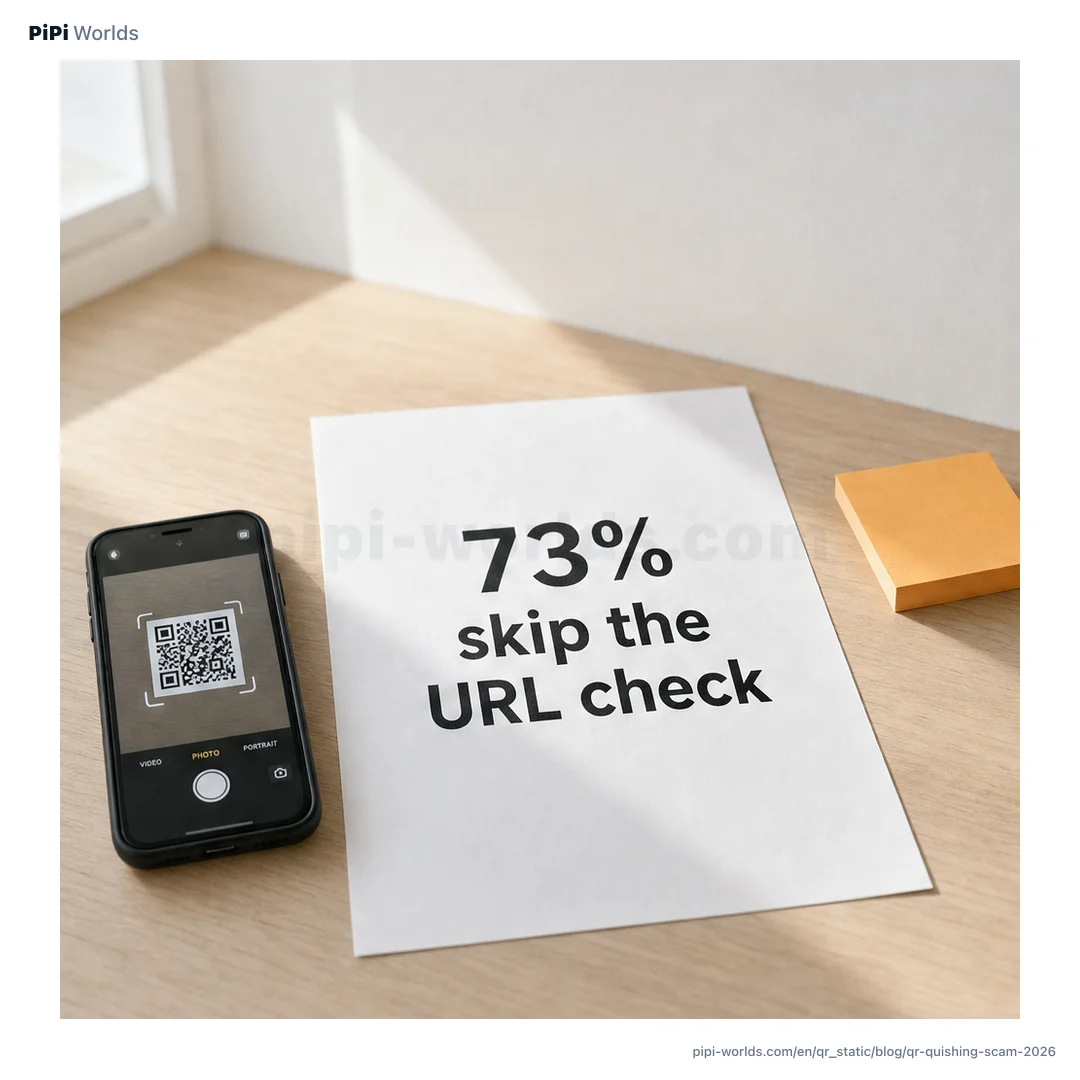
In the summer of 2025, CNBC reported that quishing — QR code phishing — had successfully duped millions of Americans, with cybersecurity firm NordVPN finding that 73% of Americans scan QR codes without verifying the destination, and that more than 26 million had already been routed to malicious sites. The FBI’s Internet Crime Complaint Center (IC3) put out a public service announcement that July about a particularly novel attack: unsolicited packages arriving at people’s homes containing a QR code that prompted them to provide personal information when scanned. By the start of 2026, the FBI was warning that the North Korean state-sponsored hacking group Kimsuky was using QR-based phishing in cyber-espionage campaigns against U.S. think tanks.
QR codes were supposed to be a small, useful part of post-pandemic life — a way to look at a menu without touching a paper card, a way to get a parking meter receipt without queuing. They’ve become one of the fastest-growing attack surfaces in U.S. consumer fraud. This is a field guide for individuals, families, and small businesses on how to spot a quishing attempt, what to do if you scanned the wrong code, and exactly where to report it.
What “quishing” actually is
Quishing is short for QR code phishing. The attacker hides a malicious URL inside a QR code that a victim scans expecting a benign destination — a menu, a parking payment, a package tracking page, an HR document, a Wi-Fi login. The QR routes the phone to a fake page that looks legitimate enough to harvest credentials, payment information, or trigger a malicious app install.
QR phishing is appealing to attackers because:
- The URL is hidden inside the code — the user can’t preview the destination by hovering, the way they could on a desktop email link
- Email gateways and link scanners often miss QR codes embedded as images — the QR slips past the same defenses that catch text-based phishing links
- Phones are scanning targets — credential-harvesting forms render fine on mobile and look normal to a user scanning at a parking meter
Five quishing patterns showing up in the U.S.
1) Parking meter sticker overlays The most publicly reported pattern in 2025. Scammers placed a fake QR sticker over the legitimate one on city parking meters; the URL routed to a payment-harvesting page that looked like a city payment site. New York City’s Department of Transportation issued a formal warning, and similar reports came from cities including Houston and Atlanta. The fix is straightforward — pay through the official city app you already have installed, never via the meter QR.
2) Restaurant menu QR redirects Tabletop menu QR codes are particularly easy to swap because servers don’t usually inspect them between turnover. The fake page often mimics the real menu but adds a “join our loyalty program” or “verify your age” form that harvests email and phone, sometimes payment info.
3) Unsolicited packages with a QR The FBI IC3 PSA from July 2025 documented packages arriving at recipients’ homes containing a QR code with messaging like “Scan to identify the sender” or “Scan for return instructions.” Recipients who scanned were routed to credential-harvesting pages or prompted to install malicious software disguised as a “tracking app.”
4) Email-embedded QR codes (workplace targeted) A QR code is embedded as an image inside what looks like a Microsoft 365 or Google Workspace notification email. Because most enterprise email security focuses on text links, the QR slips through. The scanned URL leads to a fake login page. The North Korean Kimsuky campaign described in the FBI’s January 2026 alert leveraged this exact pattern against U.S. policy advisors.
5) Utility-billing scams Hawaii Electric publicly warned customers in 2025 about scammers pushing fake utility-shutoff notices with a QR code “to pay the past-due balance.” Variants of this pattern have hit electric, water, and natural-gas customers across multiple states. The real utility companies essentially never ask you to pay via a QR code in an unsolicited communication.
How to spot a quishing attempt — three checks
QR codes are visually identical to humans, so you can’t tell from the code itself whether it’s malicious. What you can verify is the context, the URL, and the destination.
| Check | Safe signs | Quishing red flags |
|---|---|---|
| Sticker placement | Original surface, no overlay | Fresh sticker covering an older one; misaligned |
| URL preview | Official operator domain (e.g., parknyc.com) | bit.ly, tinyurl, or domain you don’t recognize |
| Destination page | Familiar app or website | Asks for credentials, app install, or APK download |
Stop at the URL preview. Both iOS and Android show a URL preview when their cameras recognize a QR code. Don’t tap until you’ve read the domain out loud to yourself. If the domain doesn’t match what you’d expect for the situation, close the preview.
What to do right after scanning a sketchy QR
If you scanned and tapped through, but did not enter any data:
- Close the browser tab
- Clear browser history for that session (optional but useful for audit)
- No further action needed in most cases
If you entered credentials or payment information:
- Change the password immediately for the impacted service, plus any other service that shares the password
- Enable two-factor authentication if not already on
- For payment data: call your bank or card issuer first — they can freeze the card and watch for fraud attempts. The window between disclosure and exploitation can be minutes; speed matters
- Then file a report with the FBI IC3 (ic3.gov) and FTC (reportfraud.ftc.gov)
If you installed software the QR prompted:
- Uninstall the app and run a security scan
- Change passwords for anything you accessed since the install
- For Android APK installs from outside the Play Store, consider a factory reset if the app had broad permissions
Where to report quishing in the U.S.
The U.S. has multiple reporting channels, each with a slightly different role:
- FBI Internet Crime Complaint Center (ic3.gov) — Federal channel for cybercrime including QR phishing, financial fraud over $5,000, and any incident with potential national-security elements. Reports feed FBI cybercrime intelligence
- FTC (reportfraud.ftc.gov) — Consumer fraud reporting. The FTC publishes consumer alerts and uses report data to drive law-enforcement priorities
- Local agencies — For parking-meter and utility-billing QR scams, the city or state agency is often the fastest channel for getting the fake sticker removed and the public warned. NYC DOT and Hawaii Electric are good examples of local agencies that took fast action in 2025
- Your bank or card issuer — Always the first call if money has actually moved. They have the shortest window for fraud reversal
Small-business storefront QR — daily check routine
Quishing isn’t only a consumer problem. Restaurants, cafes, retailers, and salons that display QR codes at the counter are a common indirect target — scammers cover real QRs with fakes, customers scan, the customer’s payment goes to the scammer, and the small business takes the trust hit even though they were also a victim.
A 5-minute routine that prevents most of this:
Open of business (1 minute)
- Photograph every customer-facing QR (payment, menu, Wi-Fi, review request)
- Compare to yesterday’s photo. New sticker? Different position? Take it down
During service (continuous)
- Keep payment notifications visible on the owner’s phone
- If a customer scans and no notification appears within 10 seconds, suspect tampering and verify
Physical defense — laminate
- Laminate or use tamper-evident stickers — much harder to overlay
- Place QRs where the customer can see them and the staff can see them, simultaneously
For storefront QRs that aren’t payment QRs (menu, Wi-Fi, Google review), generate them with a static QR generator. We cover the full storefront QR setup — error-correction levels, contrast checks, lamination — in our storefront Wi-Fi and menu QR guide. For payment-QR setup specifically (Square, PayPal, Venmo Business), see QR Code Payments for Small Business.
Generated QR codes vs. quishing — the trust model
A static QR code generator like our free QR code tool runs entirely in your browser. Your input doesn’t go to any server, and the QR encodes exactly the URL or text you supply. The tool doesn’t add tracking, redirects, or affiliate links.
But two distinct trust questions still need to be answered separately:
- Is the generator trustworthy? Yes, if it’s open about not transmitting input. You can verify with browser dev tools — open the Network tab, generate a QR, and confirm zero outbound requests
- Is the URL the QR points to trustworthy? That’s on whoever creates the QR. The generator can’t validate or vouch for the destination
When you’re scanning, this means: don’t assume a QR is safe just because it’s printed on a glossy menu. When you’re creating, this means: only point your QRs to URLs you control or have vetted, and tell scanning customers what domain to expect.
Family quishing playbook — protect older relatives
Older Americans have been disproportionately targeted in 2025–2026 quishing campaigns, partly because they’re newer to scanning QR codes and less practiced at reading URL previews. Three habits that help:
- Carrier-level SMS spam filtering — Verizon, AT&T, and T-Mobile all offer free spam-text filtering tools. Turn it on
- Family rule: “Pause before scan” — agree as a family that any unexpected QR (in mail, text, or email) gets a 30-second pause and a phone call to a trusted family member before scanning
- Lower default daily withdrawal limits on bank accounts and credit cards — most banks let you set a customer-side limit. A $200/day limit caps quishing damage even if a fake login captured everything
The bottom line
Quishing is the predictable consequence of QR codes becoming a default interface for everyday transactions. The defense isn’t to stop using QR codes — it’s to train the 30-second pause between scanning and tapping. Every effective defense in this guide rests on it: read the URL, check the sticker, watch the notification, set the family rule.
The shortest summary of this whole guide:
- Read the URL preview before tapping — both iOS and Android show it; just don’t speed past it
- If money moved, call the bank first; then IC3 and FTC — sequence matters because of fraud-reversal windows
- Small businesses photograph their storefront QR every morning — five minutes of habit prevents weeks of trust repair
Stay paused. Stay specific. Scan only when you’re sure.